Web app
Take timestamped notes while you watch, organize videos into playlists and feeds, reopen your library on any device where you sign in, and unsubscribe from YouTube channels in bulk.
Capture timestamped notes as you watch, turn key moments into study cards, and return to the exact moment behind every idea.
For people who want to remember what they watch
Take timestamped notes while you watch, organize videos into playlists and feeds, reopen your library on any device where you sign in, and unsubscribe from YouTube channels in bulk.
Set playback speed on supported HTML5 video sites, bookmark YouTube moments with local notes, and use YouTube player tools such as A–B loops. No sign-in needed.
Read a video’s transcript when YouTube captions are available. AI summaries use your own OpenRouter or Cerebras key, run only when you ask, and are part of the Pro plan.
Write a question and answer at any moment, review it with spaced repetition and replay its passage. The Free plan includes 50 cards, 10 per video.
Inside the web app
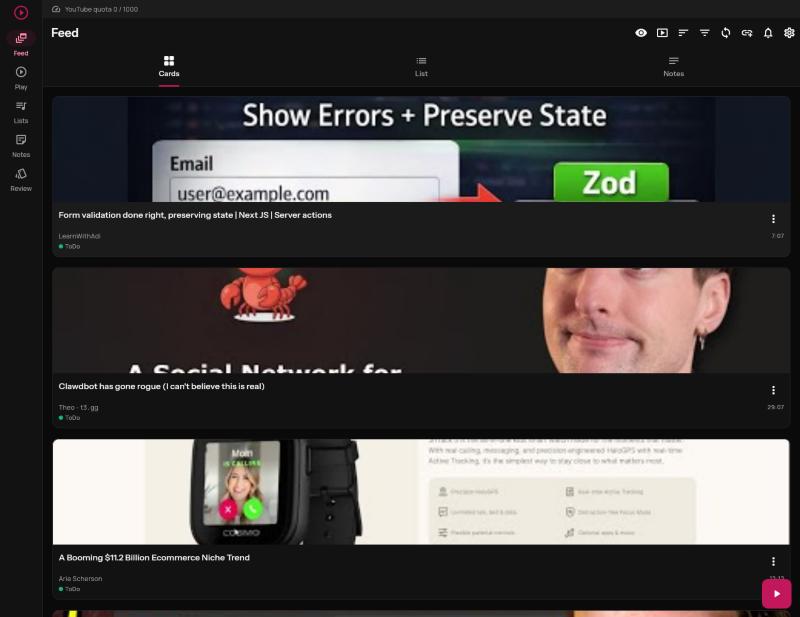
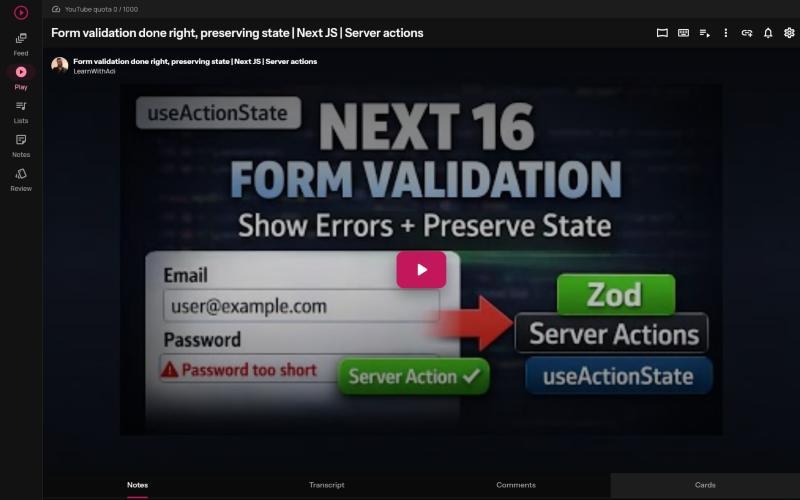
The gap between watching and learning
You understand an idea while the video is playing. Then the tab closes, the timestamp disappears, and the note you saved elsewhere no longer explains why that moment mattered.
More content is not the answer. A reliable way back to the right idea is.
One repeatable workflow
ReplayGlows keeps the path from video to idea intact, so every session leaves something useful behind.
Bring the videos worth your attention into playlists and focused feeds built around your goals.
Write a note as you watch. ReplayGlows keeps it tied to the moment that gives it meaning.
Open the saved note and jump back to the relevant passage instead of searching the timeline again.
The difference is the context
ReplayGlows keeps the note, video, and exact moment together. You don't have to remember where the explanation was—or scrub through the timeline to find it again.
Example note
This is where the concept becomes practical
Open the note to return where the useful explanation begins.
You know which video and learning topic the idea belongs to.
Return later without rebuilding the trail from scratch.
Watch, capture, remember
Add a question and answer at the moment that matters, then review it later with spaced repetition and replay the exact passage behind it.
Create a card at the current point in any YouTube video. Each card keeps its passage, from about 20 seconds before to 10 seconds after.
Write them yourself, or let AI draft them from the transcript with your own OpenRouter or Cerebras key. AI drafts are part of the Pro plan.
Due cards come back on a spaced schedule. Reveal the answer, replay the source passage, then grade it Again, Hard, Good or Easy.
The ReplayGlows Chrome extension
On YouTube, block the channels, Shorts and comments you never want to see, return to useful moments with timestamped notes, and sort playlists and subscriptions. On supported websites, choose a shared speed, pin a tab to its own pace and repeat a passage with an A–B loop. With a ReplayGlows account, turn a moment into a study card.
Publication on the Chrome Web Store is in progress. Bookmarks and notes stay in your browser; study cards require a ReplayGlows account.
One learning path, not two disconnected tools
YouTube helps you find and play the video. A separate notes app captures text. ReplayGlows connects both parts of the learning process.
Keep learning from the creators and videos you already value. Give every useful moment somewhere you can find it again.
Start with Free. Move to Pro for higher limits, AI drafts and note export.
Perfect for getting started
For serious learners
Start free, capture the first idea worth keeping, and know exactly where to find its context later.
What changes
When videos, notes, and exact moments share the same context, every session becomes easier to resume—and more useful later.
Keep the videos you chose for a topic or goal separate from the endless recommendation stream.
The video and exact moment remain attached, so your words still make sense later.
Return to saved videos and ideas without relying on memory or scattered browser tabs.
Pick up the learning trail you already organized, even after an interruption.
Made for students who learn from YouTube lectures, teachers preparing video lessons and researchers who cite video sources.
Inside ReplayGlows
Capture a thought while it is fresh. Open it later at the relevant moment in the video.
Note + contextGroup videos around a topic, project, or goal instead of leaving useful links scattered.
Video + goalChoose which playlists, channels, or subscriptions shape the view you open.
Sources you chooseReturn to saved notes and videos without depending on YouTube history or memory.
Find it, don't huntBuild a learning queue around your priorities and move through it at your pace.
Your queue, your paceKeep your videos, playlists, feeds, and notes inside one coherent workflow.
Resume with contextA calmer way to learn
Build a learning path from the videos you selected—not from whatever is most likely to keep you watching.
Everywhere you learn
Web, browser, desktop and mobile share the same library. Start a note on one surface and pick it up on the next.
Your full library in the browser: videos, playlists, focused feeds, timestamped notes and study cards, on any device where you sign in.
Publication on the Chrome Web Store in progress. Shared playback speed, A–B loops, YouTube bookmarks and notes, and a Card button to save a moment to your account.
Desktop and mobile apps built for background playback and watching anywhere. Your queue follows you off the browser.
Notes and study cards saved to your account are ready wherever you open ReplayGlows next. Extension bookmarks stay in your browser.
Open ReplayGlows, choose what you want to learn, and keep every useful moment connected to its source.
Start for freeStart with the Free plan.